
01 / DESKTOP & WEB
1280 × 720Landscape · 16:9
Read the transcript
Start with one new request. A person reviews the summary. Send the approved handoff to one destination.
Watch a fictional Northstar workflow unfold in three clear beats. Choose a native format, edit the headline and shape a useful creative brief for your own product.
Preview the product story ↘Landscape and vertical cuts, captions and an editable creative brief.
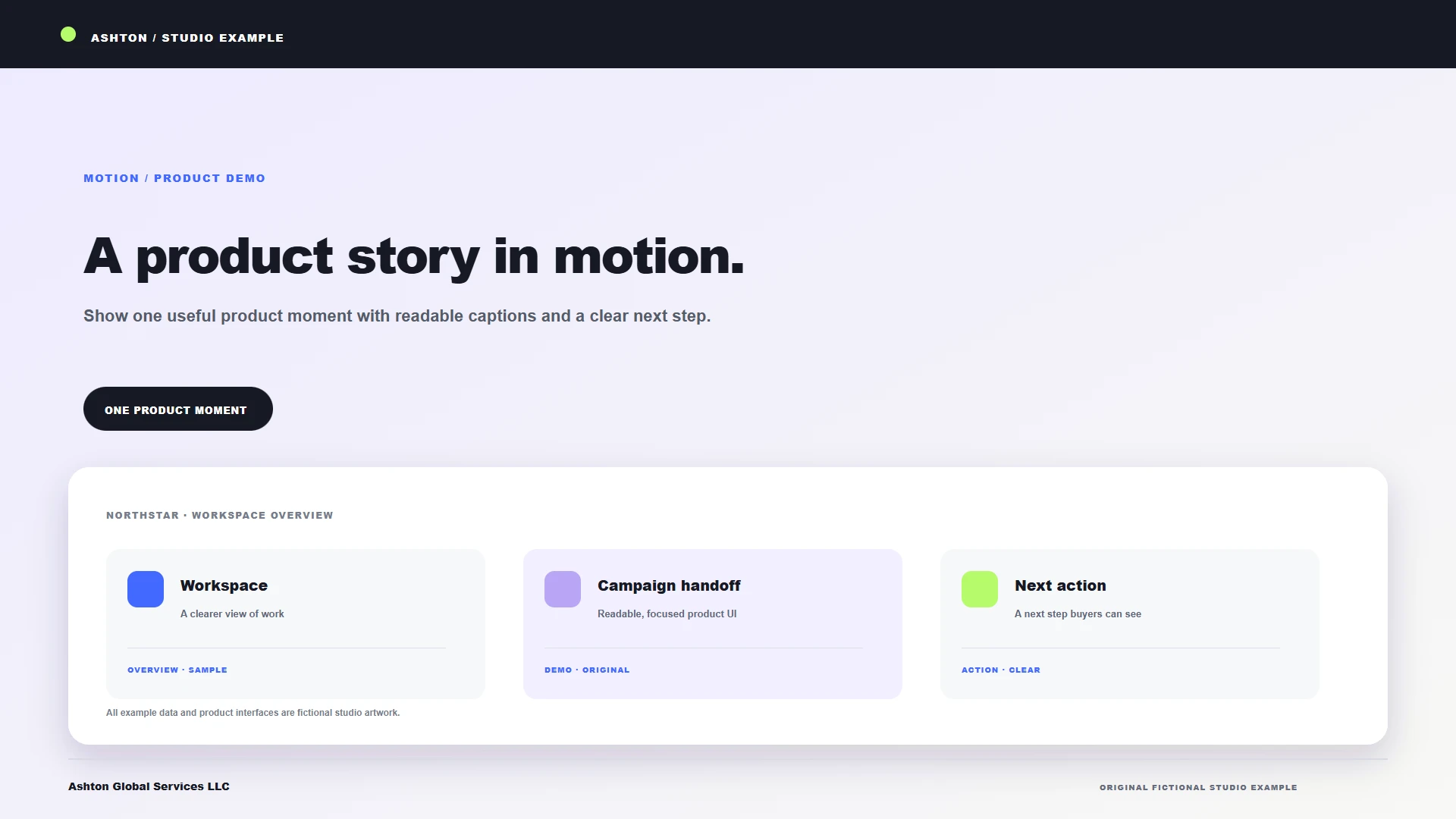
Fictional “Northstar” SaaS interface assembled from original HTML and CSS artwork; no client product or footage is implied.
Bring your team’s work into one clear view.
Explore the workspace ↗Illustrative concept with fictional UI and sample copy. Not a client case study or a finished customer deliverable.
Follow a request from intake to review to a clear next step. Both clips use native controls and English captions. The Northstar interface and all data are fictional studio artwork.
Start with one new request. A person reviews the summary. Send the approved handoff to one destination.
Start with one new request. A person reviews the summary. Send the approved handoff to one destination.
Original fictional Northstar UI and motion. No client footage, measured results or product claims are implied.
Edit audience, message or action. Copy the prompt or carry it into an inquiry when ready.
Discuss a product demo ↗Share links use fixed public presets; your personal input stays out of the URL.
Continue to motion inquiry without the brief ↗Pair a product walkthrough with a cut for the channel that matters. Final deliverables depend on the agreed scope.
Clear inputs ground the story in what your product can really do.
Who should understand the demo, and what should they do?
Safe demo environment and approved capture.
Approved identity, source footage and usage constraints.
Formats, captions, reviewers, delivery and success measure.
We review approved captures or a suitable demo environment and agree what can appear.
The proposal or contract defines deliverables, formats, review rounds and rights.
Scope, USD price and milestones are agreed in writing after reviewing source material.
Share the product moment, audience and next action; we’ll discuss scope.
Discuss a product demo ↗Explore two distinct Ashton pieces: a studio reel and a separate brand reveal.